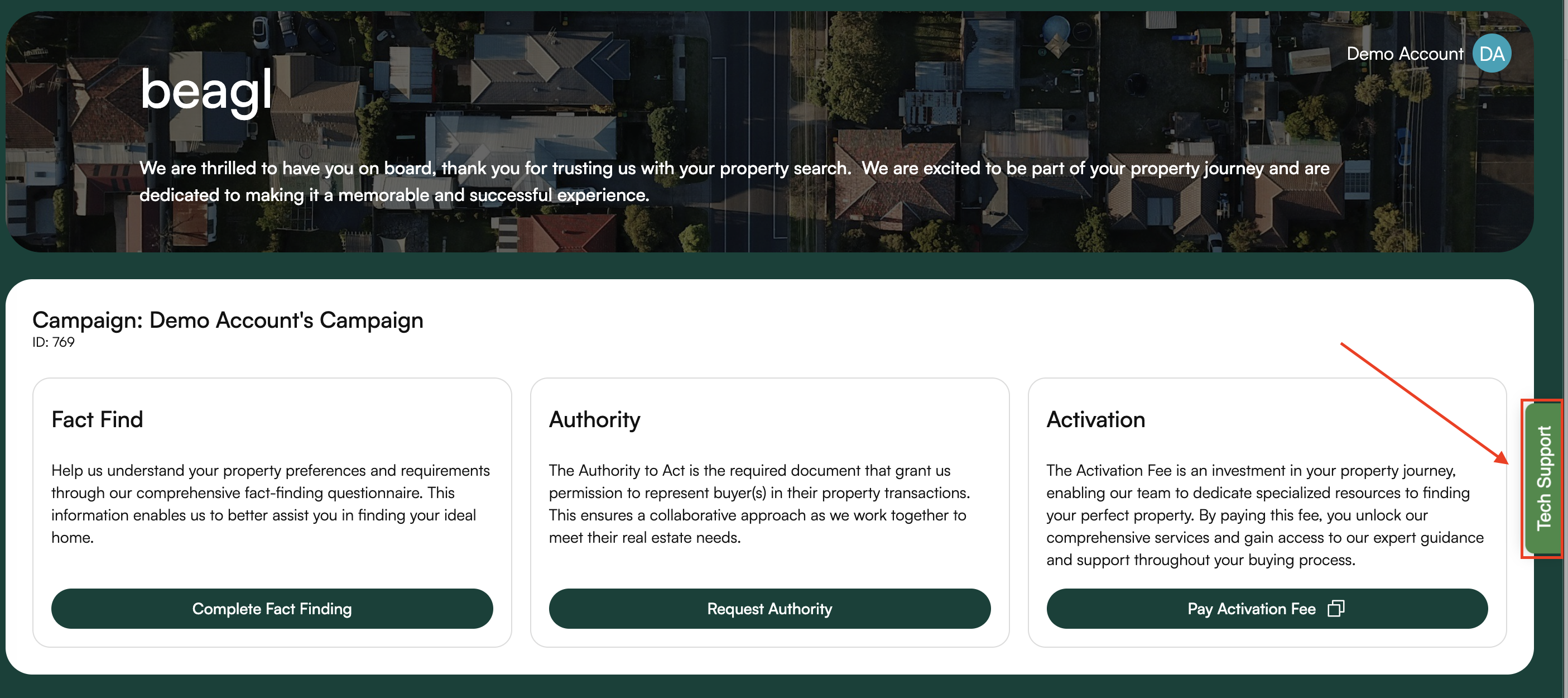
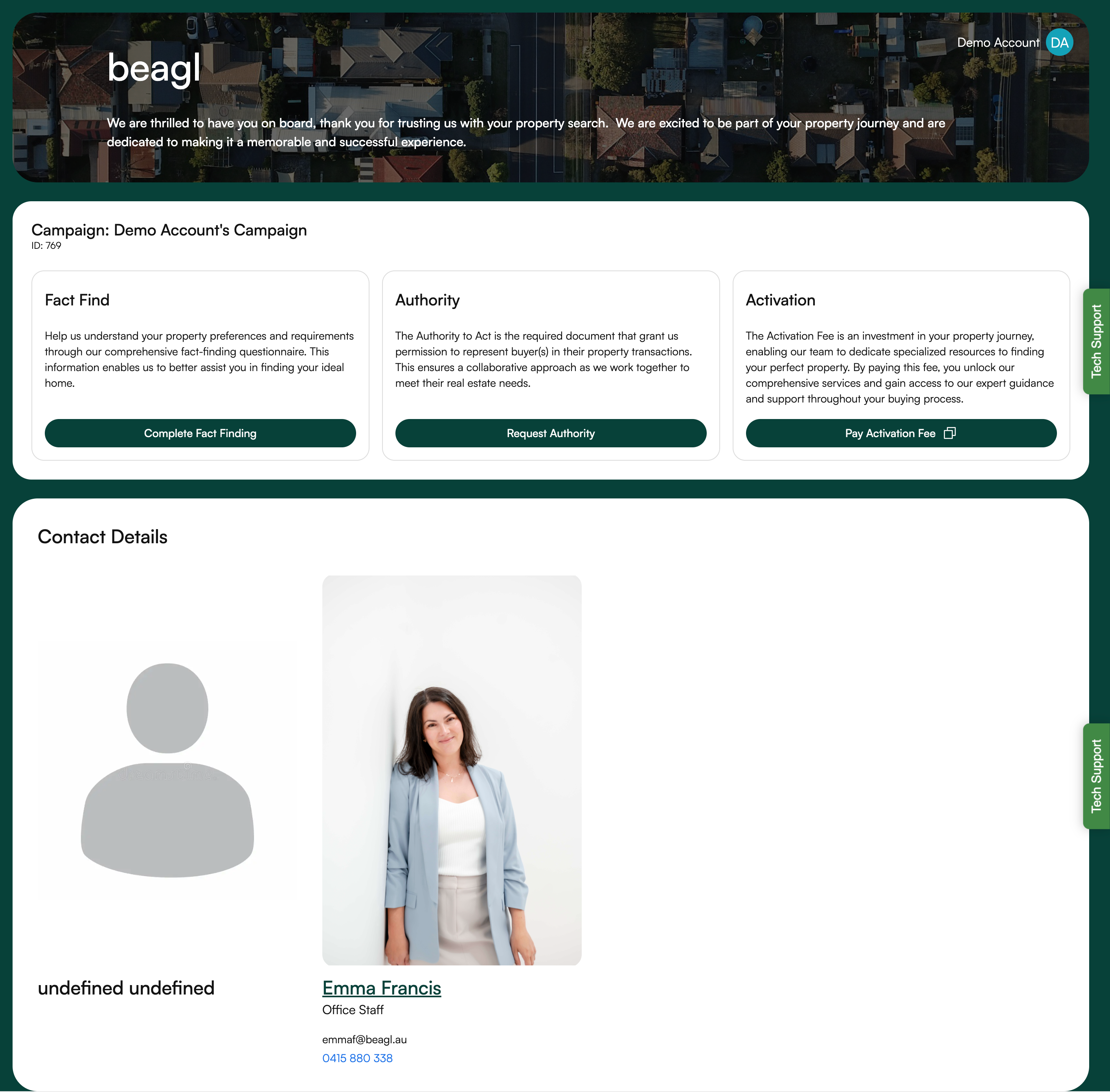
The Buyer Dashboard provides a centralised view of your campaign, key actions, and assigned support contacts. It is designed to guide you through each step of your property-buying journey with clarity and ease.
⸻
At the top of the dashboard, you will see the campaign you are currently engaged in.
This section includes:
• Campaign Name
• Campaign ID
• A welcome message outlining what to expect as you progress.
NOTE: If you just created your account, system automatically creates a campaign.
The dashboard highlights the three main steps that buyers need to complete. Each step has a dedicated card explaining its purpose:
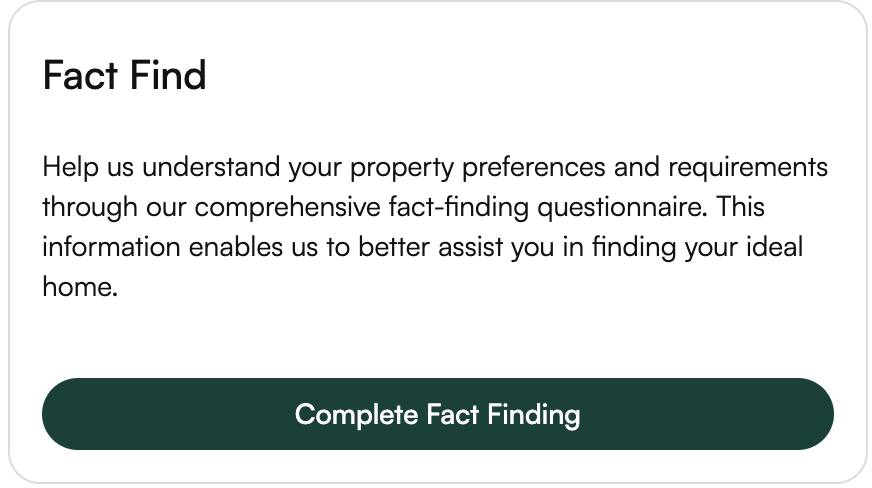
This section allows you to complete your Fact-Finding Questionnaire, helping the team understand your property preferences and requirements.
Action button: Complete Fact Finding
This step provides access to the Authority to Act form, which is required to represent you in property transactions.
Action button: Request Authority
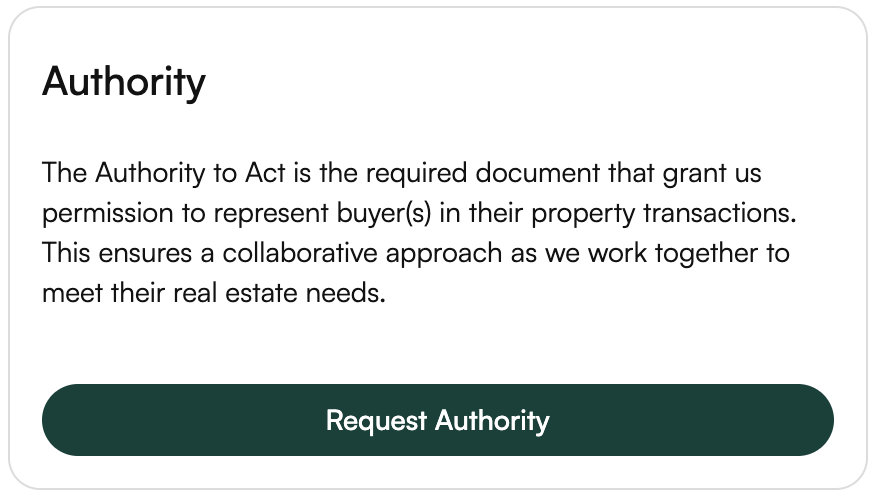
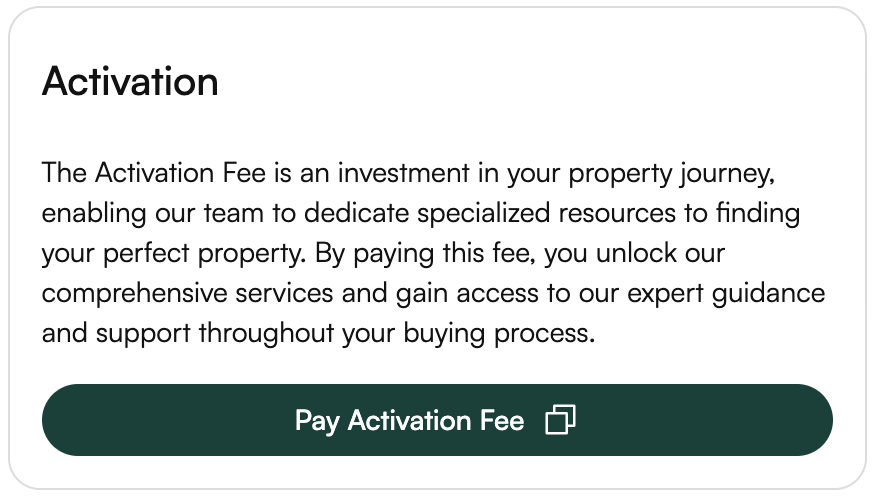
Here, you can pay the Activation Fee to unlock full access to our team’s support, services, and resources throughout your buying journey.
Action button: Pay Activation Fee
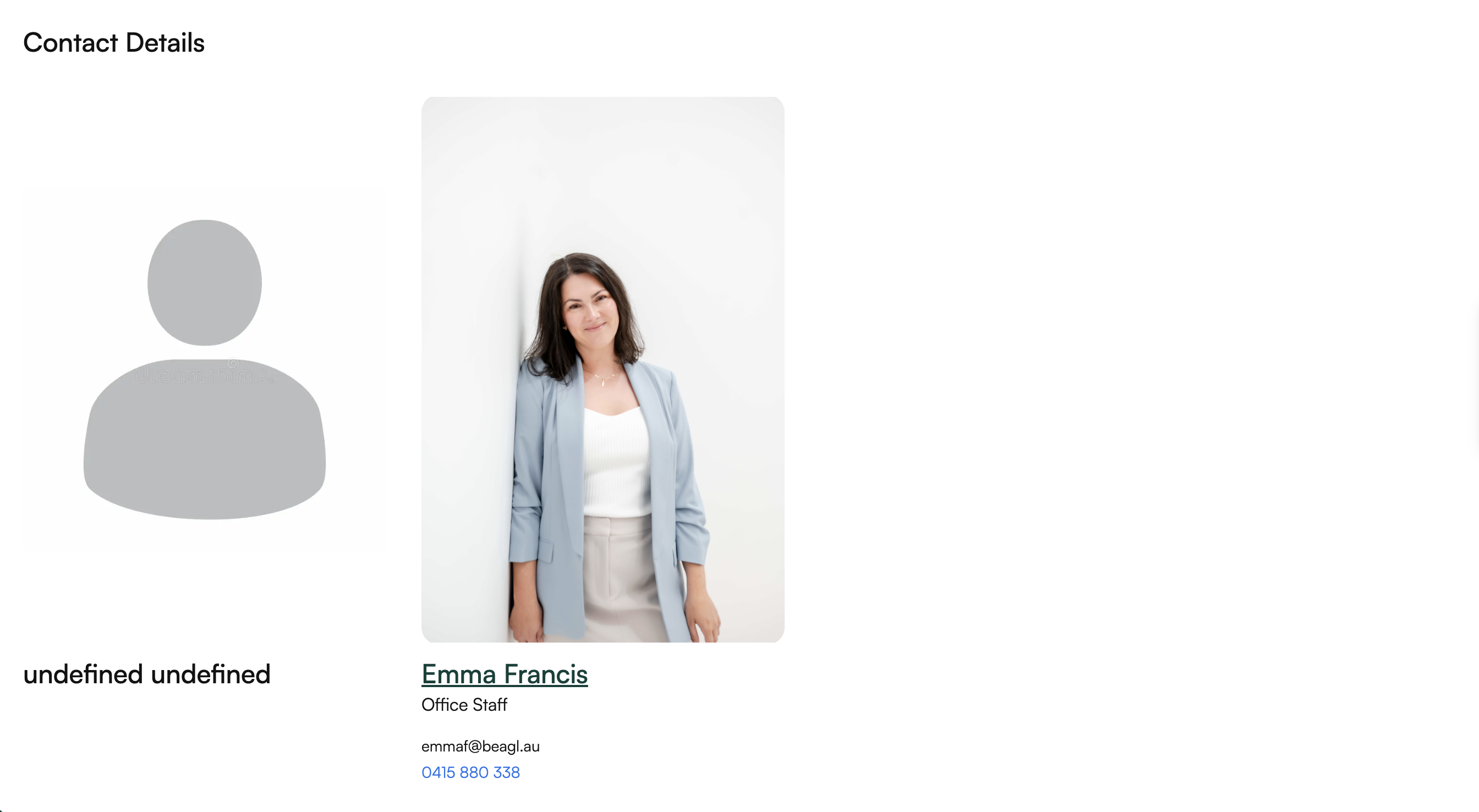
The Contact Details section shows the team member assigned to assist you throughout the campaign.
This includes:
• Profile image (if provided)
• Name and role (e.g., Office Staff, Buyer’s Agent)
• Contact email
• Contact phone number
On the right-hand side of the screen, you will find the Tech Support tab, which stays visible as you navigate. Clicking this gives you direct access to assistance whenever needed.