Follow this step-by-step guide to create an account and start your journey toward finding your dream home.
Step 1: Visit the Sign-Up Page
1. Open your web browser and open the link: Click Here to open the login page
2. Scroll down to Ready to start section & click on “Lets go!” button

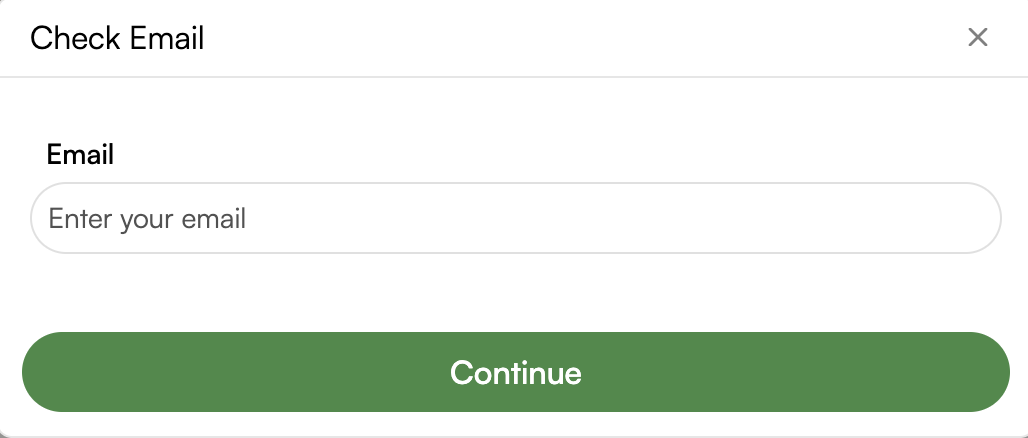
3. Enter your email address in the Check Email pop-up
Step 2: Fill in Your Personal Information
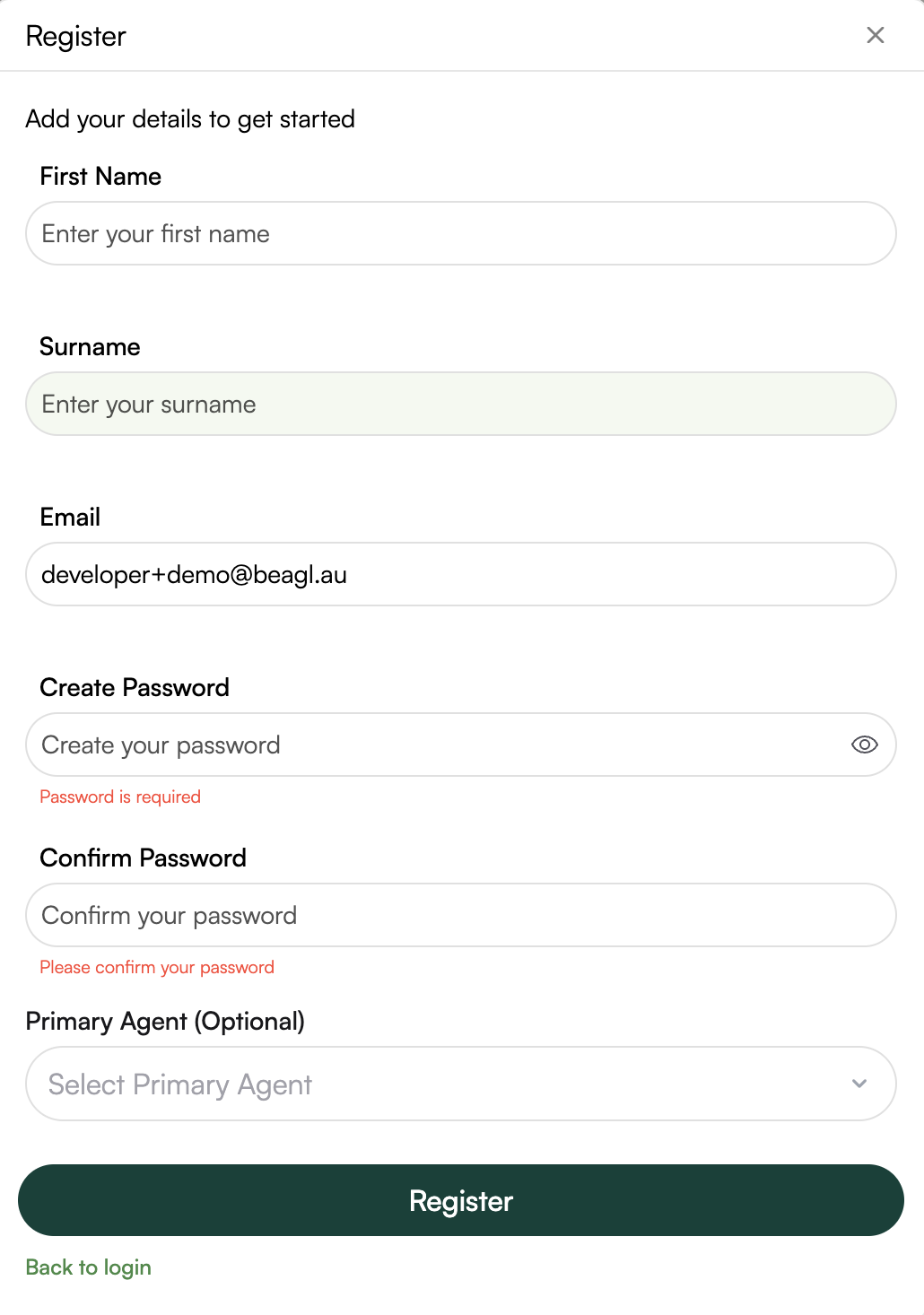
1. First Name: Enter your first name in the designated field.
2. Surname: Enter your last name.
3. Email: Provide a valid email address. Ensure this email is accessible, as it will be used for account verification and future communications.
4. Password:
Create a strong password that meets security requirements (minimum 8 characters, including letters, numbers, and special characters).
Re-enter the same password in the “Confirm Password” field to verify it.
5. Primary Agent: Select the primary Agent if you have one, this can also be added later after you sign up.
5. Complete Registration
Click the “Register” button at the bottom of the form.
If the provided information is valid, you will receive a confirmation message on the screen.
Step 4: Verify Your Email
1. Check your email inbox for a verification code.
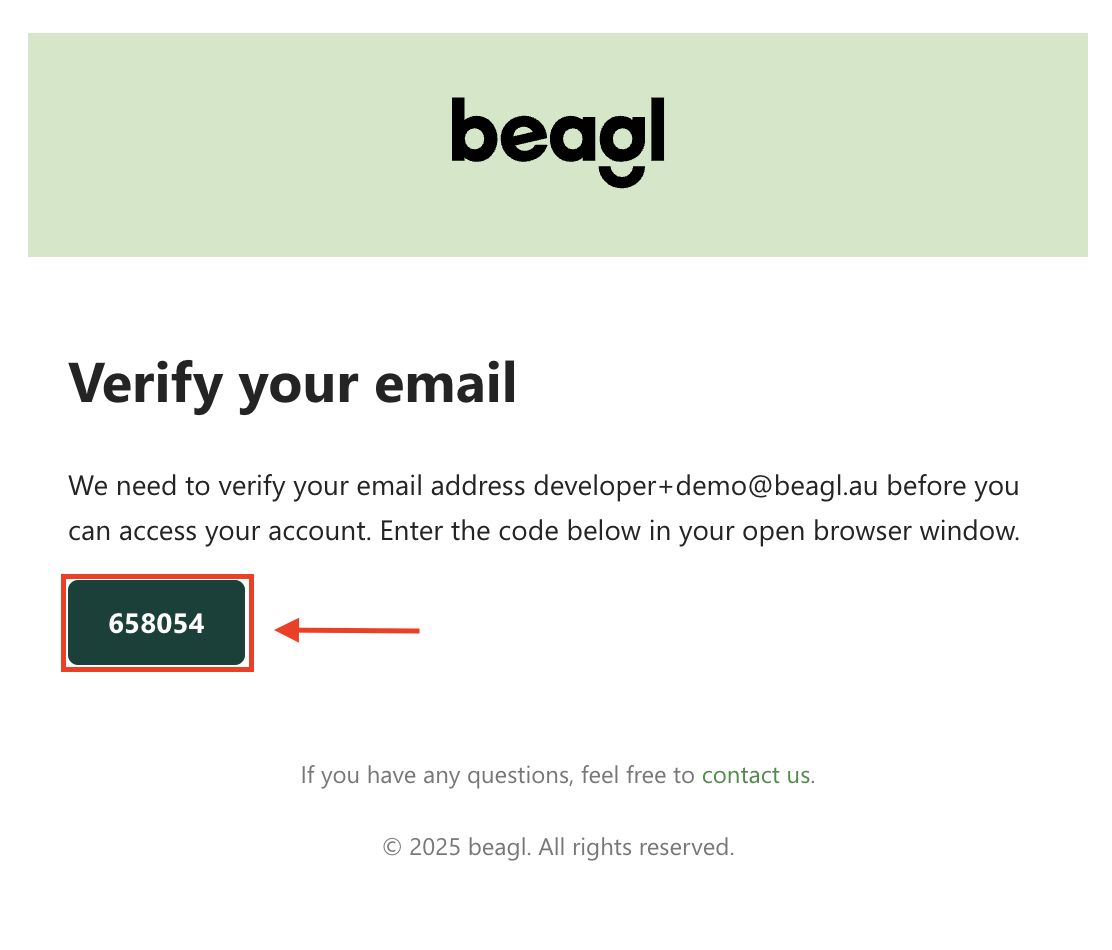
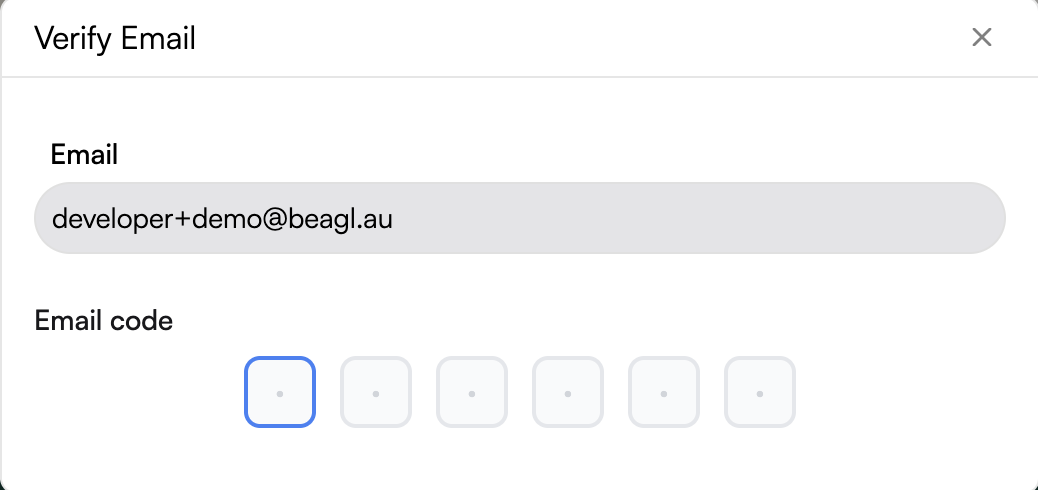
2. Enter the verification code in the email to activate your account.
Step 5: Logged In
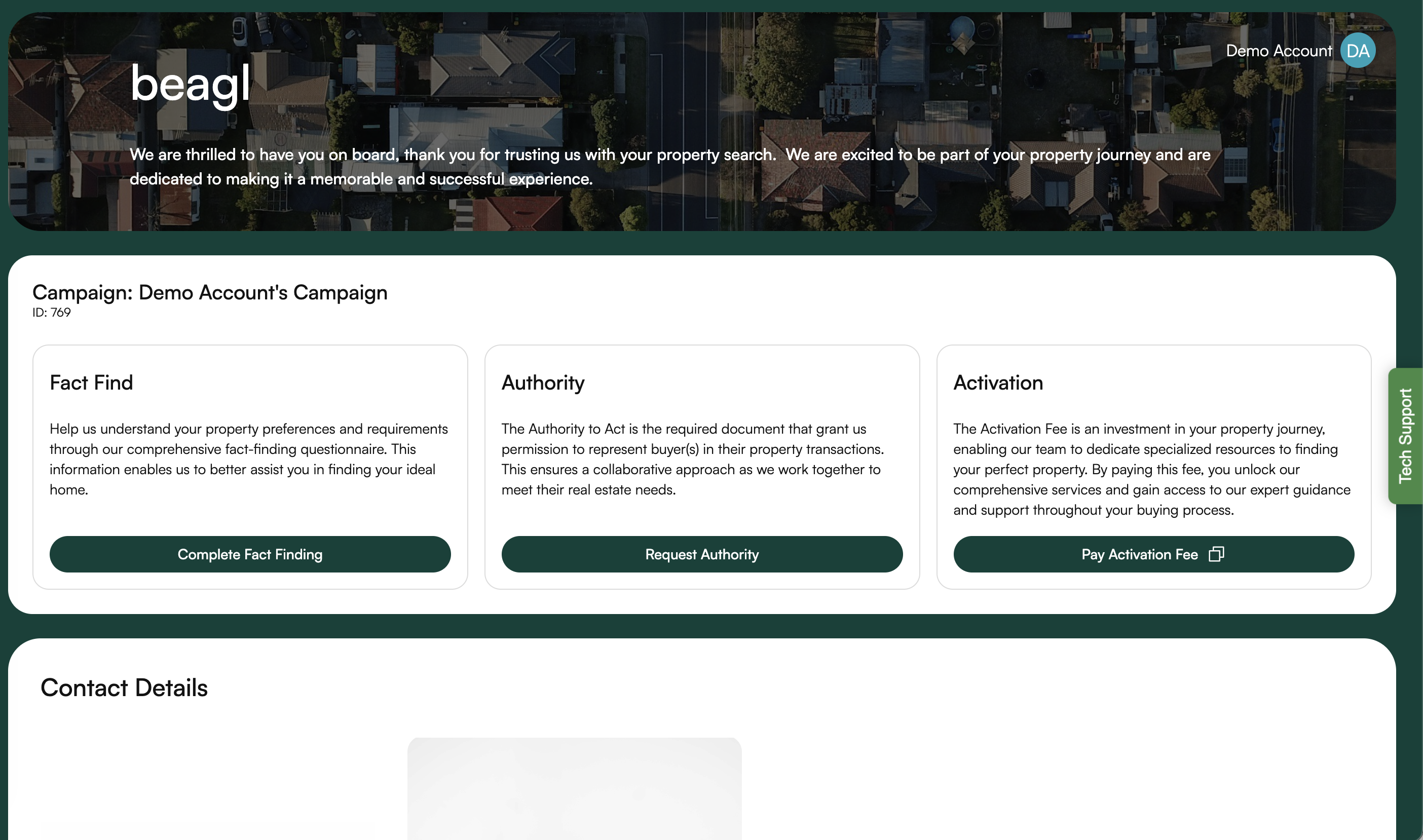
1. Once you enter the code, you should be logged in to the portal.
Troubleshooting Tips:
Didn’t Receive a Verification Email?
• Check your spam or junk folder.
• Ensure you entered the correct email during sign-up.
• If the issue persists, contact support via the Help section.
Password Issues?
• Use the “Show Password” icon (eye symbol) to double-check your entry.
• If you forget your password, click “Forgot Password” on the login page to reset it.
Note:
This sign-up process is specifically for buyers. If you’re a Buyer’s Agent, please contact Admin.
We hope this guide helps you get started smoothly. If you have any questions, feel free to reach out to our support team.