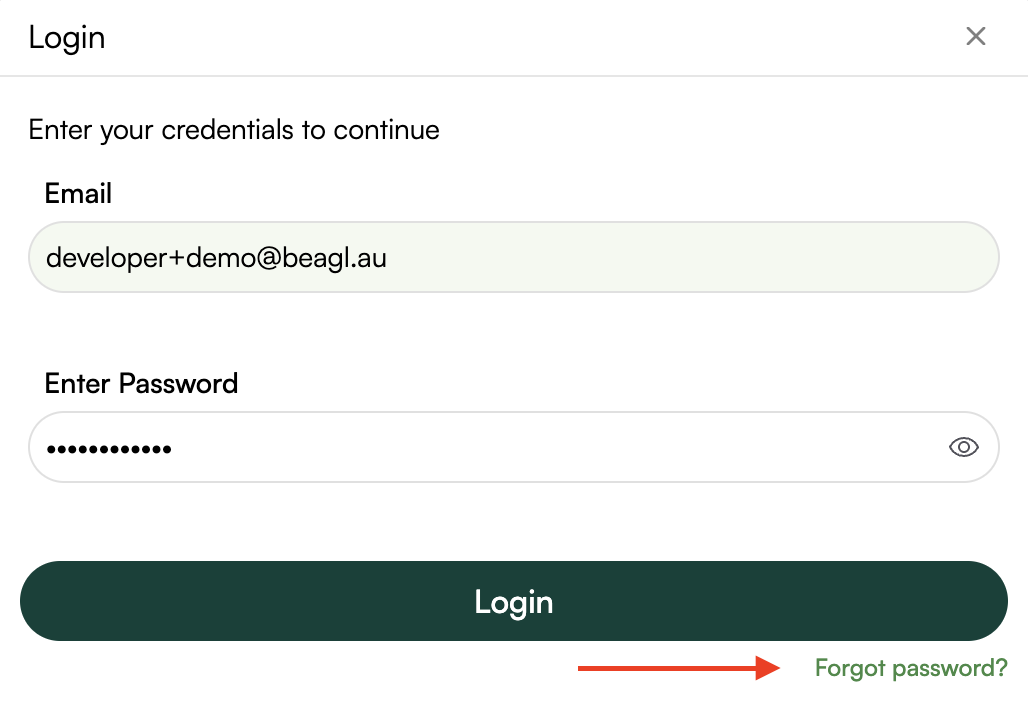
Step 1: Visit the Sign-in Page
1. Open your web browser and open the link: Click Here to open the login page
2. Scroll down to Ready to start? section & click on “Lets go!” button

Step 2: Login
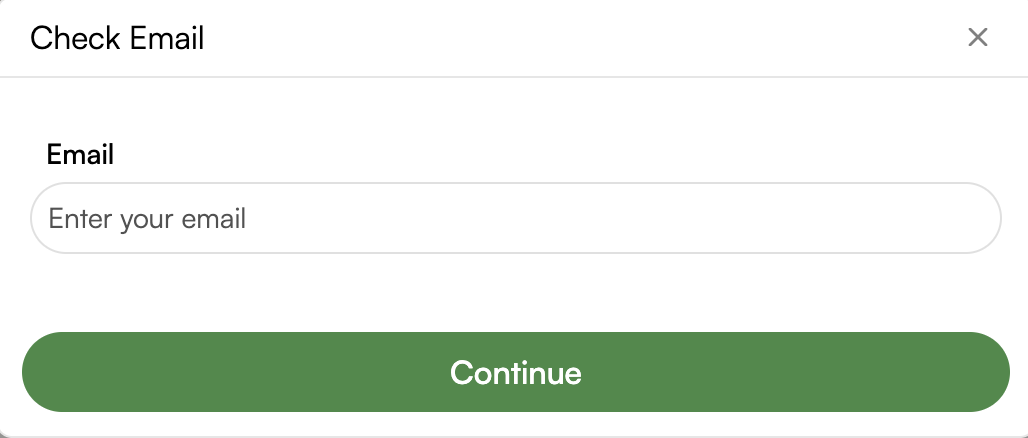
Enter your email address in the Check Email pop-up and click “Continue“
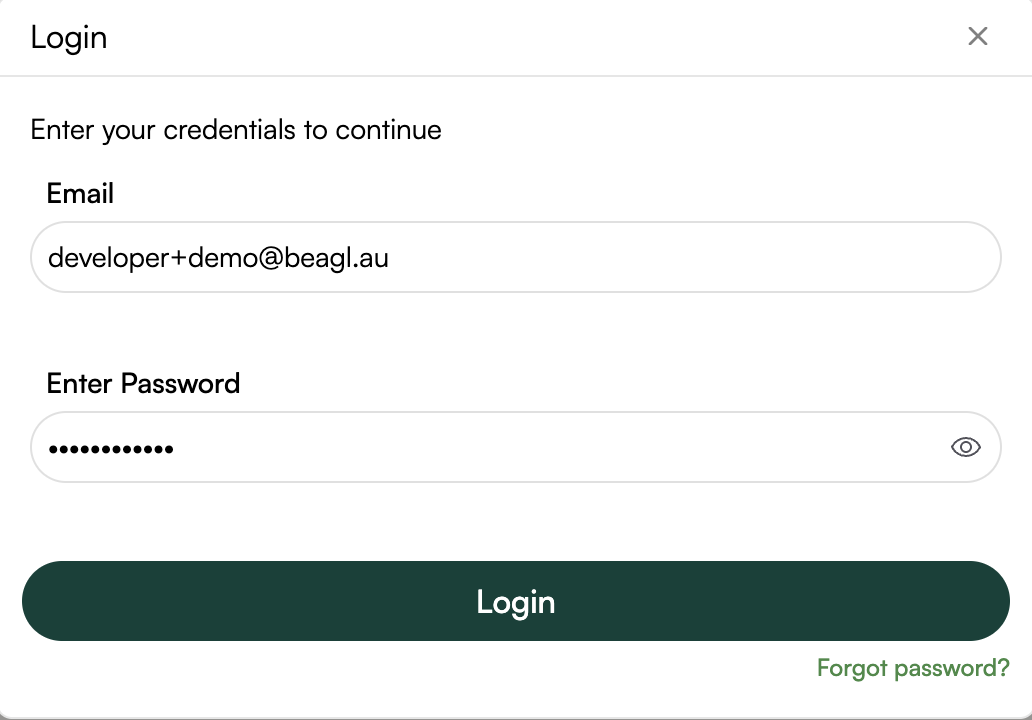
Enter the password and click “Login“
Troubleshooting Steps: Unable to Log In
If a user is unable to log in, follow the steps below to identify and resolve the issue:
Step 1: Confirm Correct Credentials
• Ensure the user is entering the correct email/username and password.
• Retype credentials manually (avoid auto-fill).
• Use the Forgot Password option to reset the password.