Forgot Password?
Enter the login email address and click “Continue“
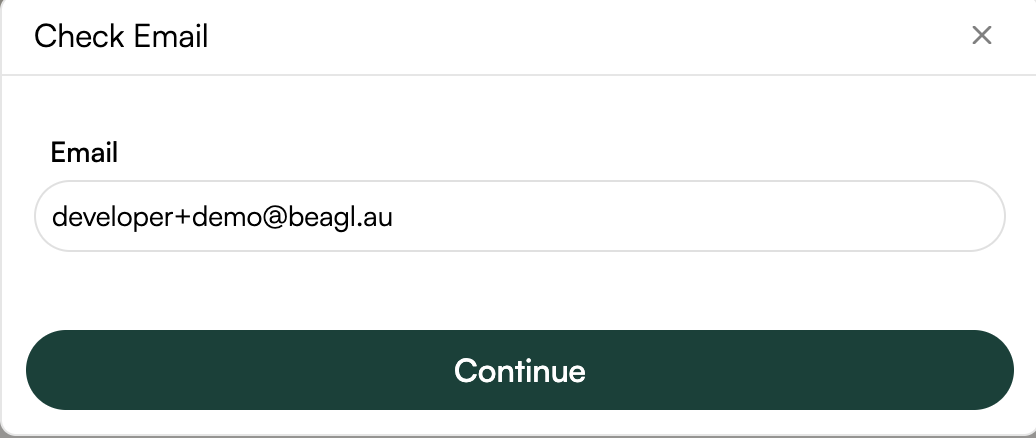
Click the “Forgot Password?” link on the bottom right of the login-in model.
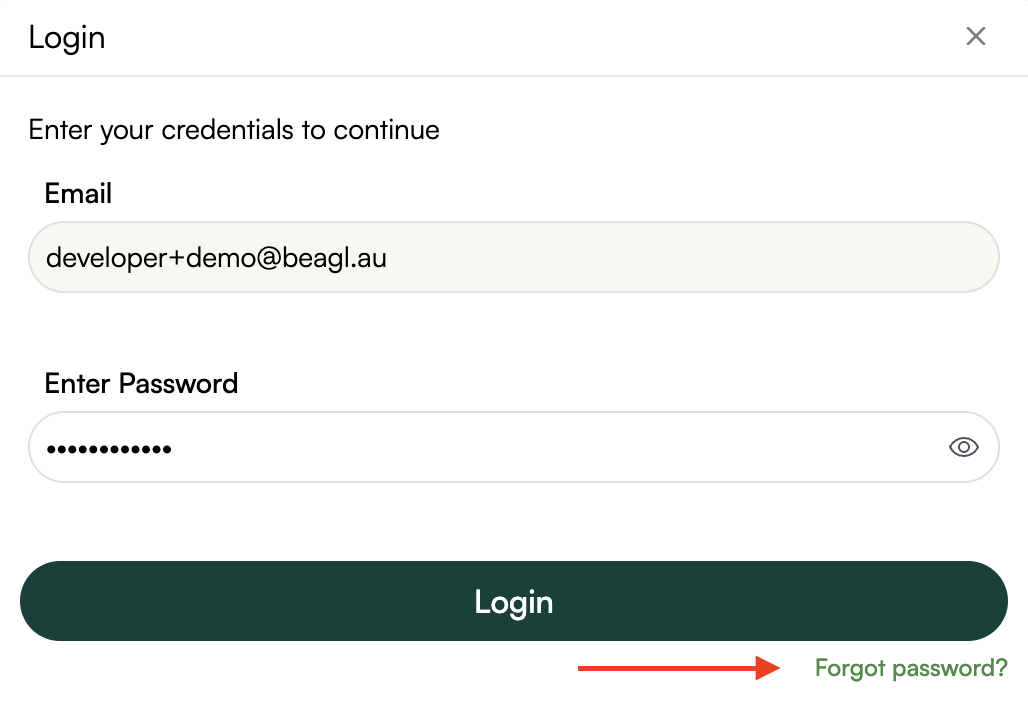
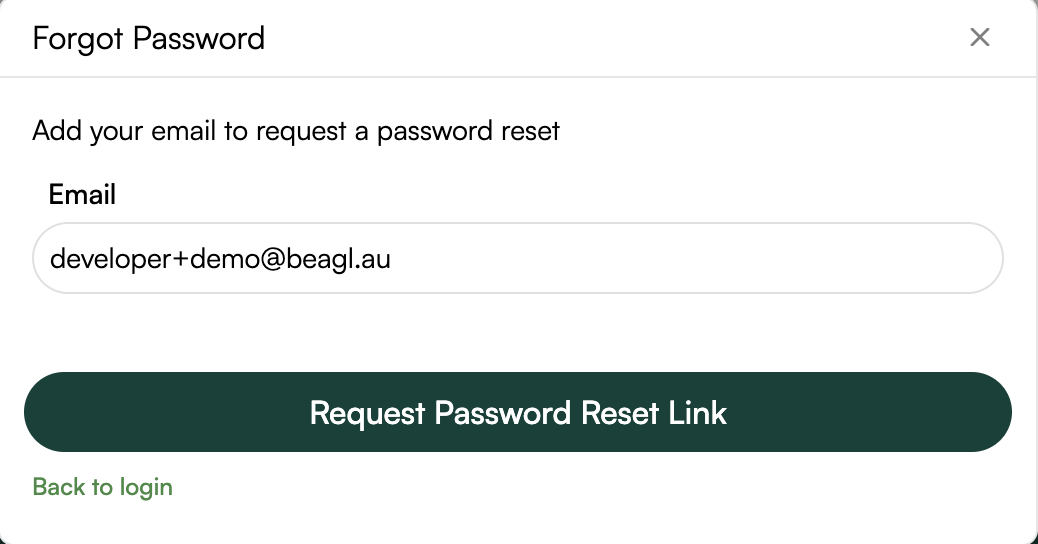
The registered email will be prefilled.
Click on “Request Password Reset Link“.
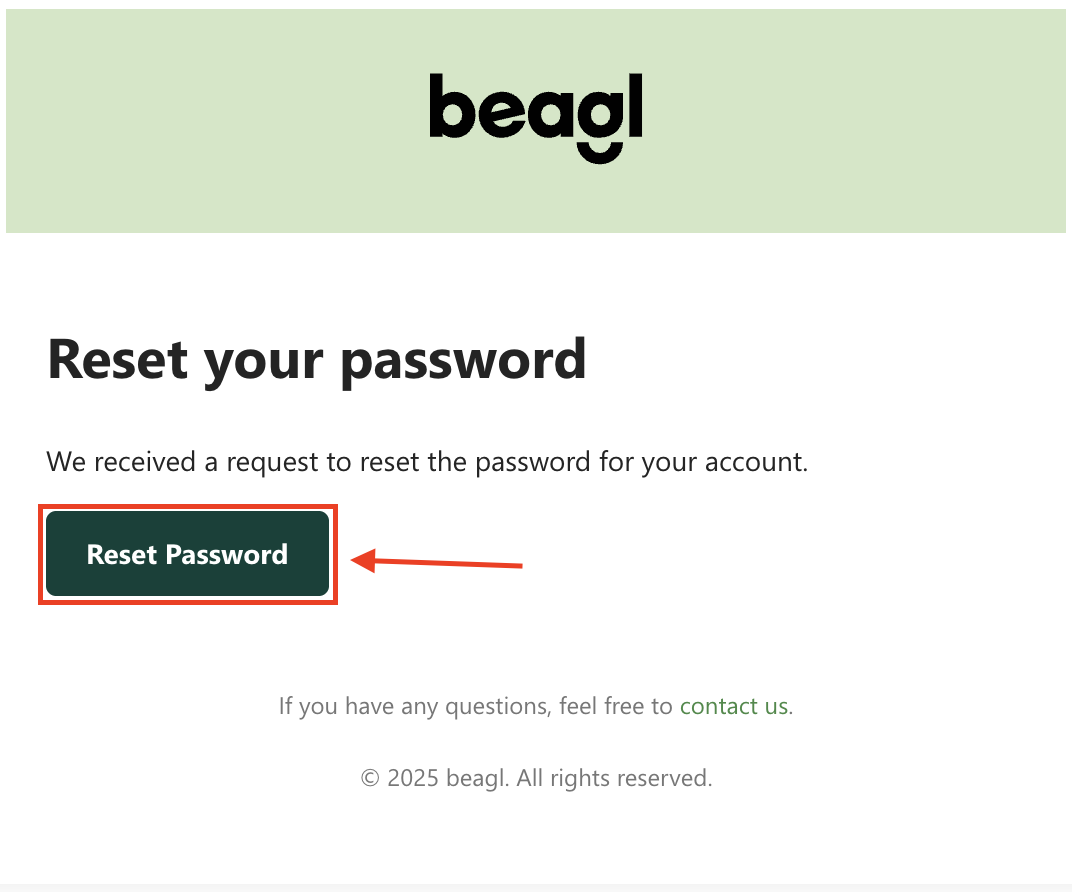
A password reset link will be sent to the registered email.
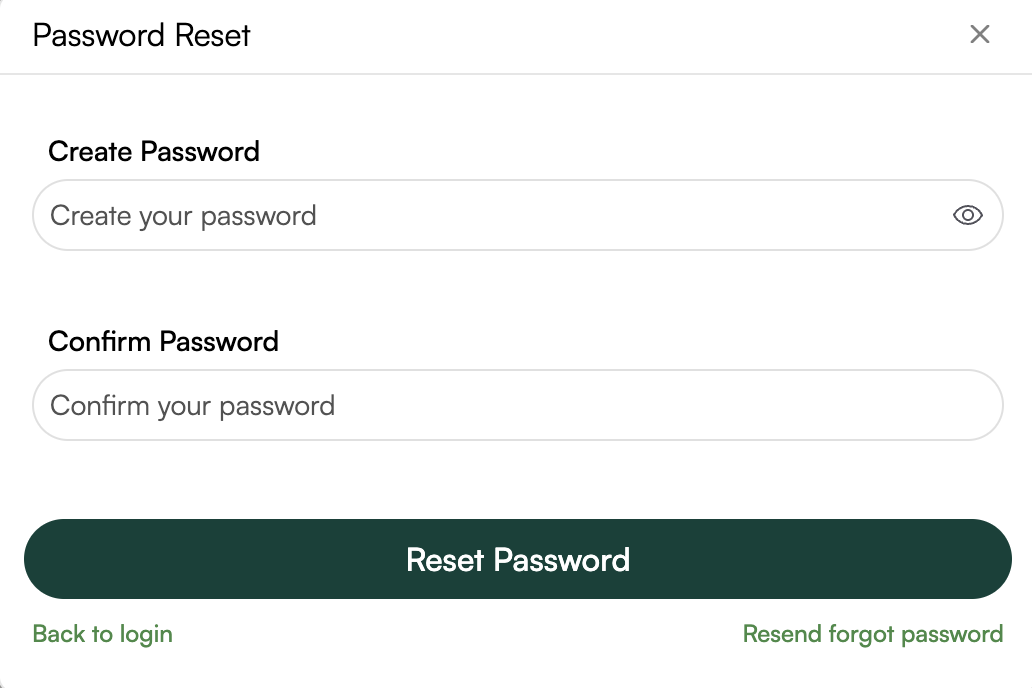
Click on the Rest Password, the link will open a page where you can set the new password for your account.
Enter the new password and confirm the password.
Click “Rest Password“ button
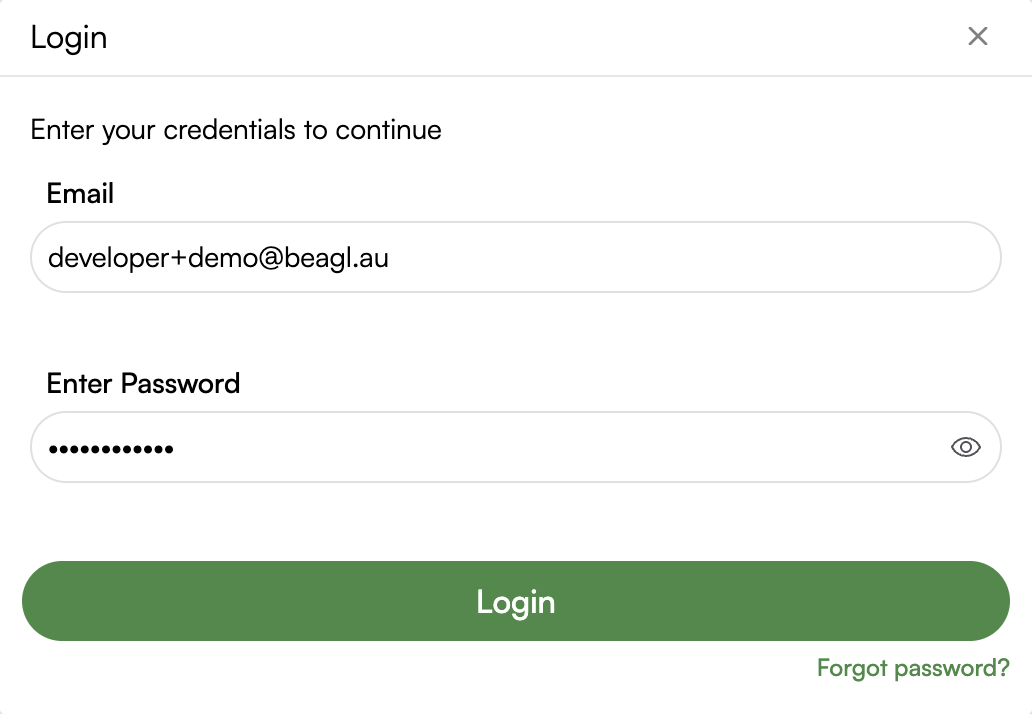
Once the new password is set, the login pop-up will open.
The username and password will be prefilled.
Click “Login“ to Sign-in the portal.
1. Incorrect Email or Password:
Double-check your credentials for typos.
Remember, passwords are case-sensitive.
2. Account Locked:
If multiple failed login attempts occur, your account might be temporarily locked. Contact support for assistance.
Security Tip:
Always sign out of your account if you’re using a shared or public device to ensure your information remains secure.
We hope this guide helps you log in without any hassle. If you experience any issues, feel free to contact our support team!